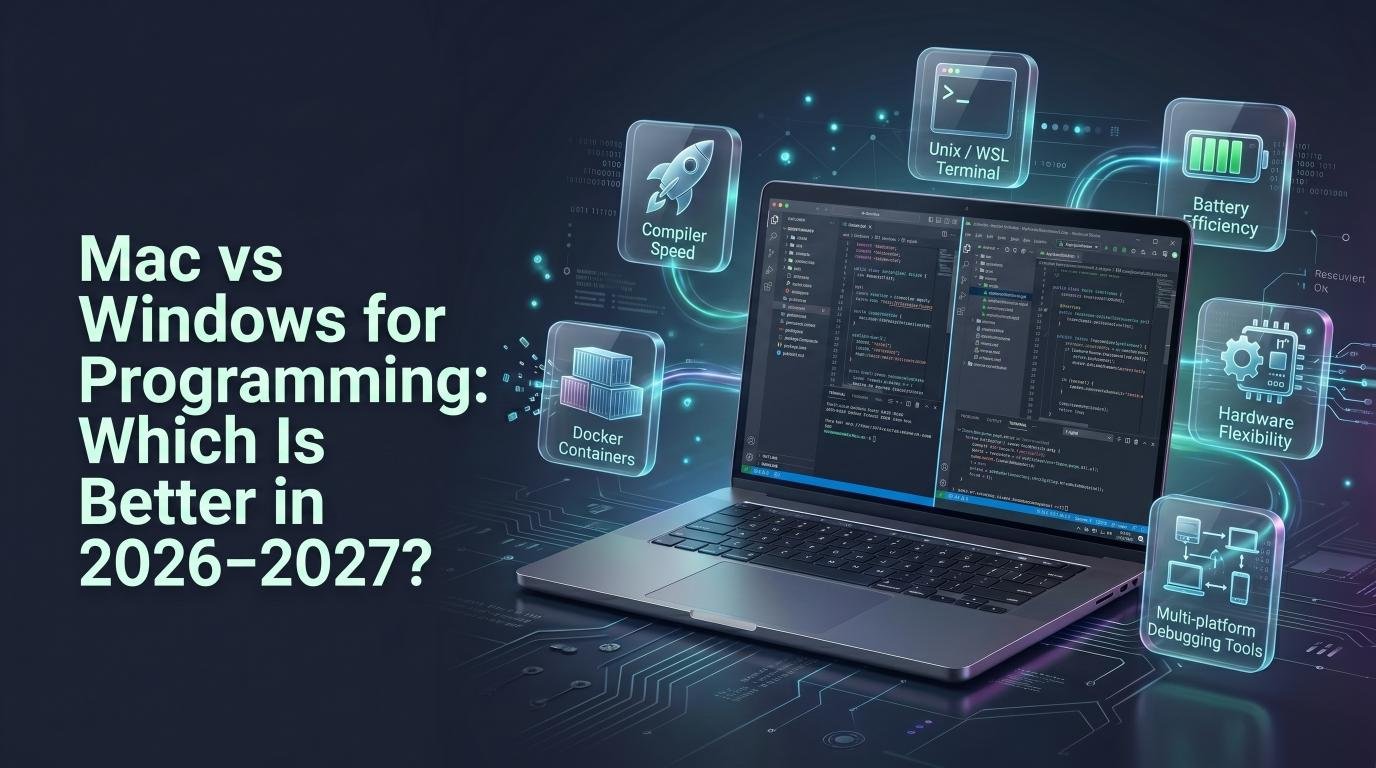
Introduction
One of the most debated questions among developers, especially beginners, is whether Mac or Windows is the better choice for programming. Both operating systems are fully capable of handling modern development work, but each has distinct advantages depending on what you’re building and which tools you plan to use.
This guide breaks down the key differences to help you choose the right platform for your programming journey in 2026-2027.
Mac for Programming
macOS is built on a Unix-based foundation, which makes it a natural fit for many programming workflows, particularly web development, mobile app development for iOS, and data science.
Advantages
- Unix-based terminal, making it easier to work with command-line tools common in web development
- Required for iOS and macOS app development using Xcode
- Strong build quality and battery life on MacBooks
- Popular among startups and tech companies, especially in web and mobile development
Disadvantages
- Higher upfront cost compared to many Windows laptops
- Limited gaming support, if that’s a consideration
- Less flexibility for hardware customization or upgrades
Windows for Programming
Windows remains the dominant operating system worldwide and offers strong support for a wide range of programming needs, particularly game development, enterprise software, and Windows-specific applications.
Advantages
- Wide range of hardware options at various price points
- Required for developing Windows desktop applications and many enterprise tools
- Strong support for game development (Unity, Unreal Engine)
- Windows Subsystem for Linux (WSL) now offers a near-native Linux development experience
Disadvantages
- Historically less consistent terminal/command-line experience, though WSL has significantly closed this gap
- Can require more manual setup for certain development environments
Key Considerations by Programming Focus
Web Development
Both platforms work well. Mac’s Unix-based terminal offers a slight edge for certain workflows, but Windows with WSL has become a fully capable alternative.
Mobile App Development
If you’re building iOS apps, a Mac is required since Xcode only runs on macOS. For Android development, both Mac and Windows work equally well.
Game Development
Windows is generally preferred due to stronger compatibility with game engines and DirectX, along with a broader selection of gaming-oriented hardware.
Data Science and Machine Learning
Both platforms support popular tools like Python, Jupyter, and TensorFlow well, though many data science teams still lean toward Mac or Linux environments for consistency with server deployment environments.
Enterprise and Business Software Development
Windows often remains the standard in corporate environments building internal tools and applications specifically for Windows-based systems.
Cost Comparison
Windows laptops offer a significantly wider price range, from budget options under $600 to high-end machines exceeding $2,000. MacBooks generally start at a higher price point but hold their resale value better over time.
Final Verdict
There’s no universally “better” choice between Mac and Windows for programming — it depends on what you’re building:
- Choose Mac if you’re developing iOS apps, prefer a Unix-based terminal, or work in web/startup environments where Mac is common.
- Choose Windows if you’re focused on game development, enterprise software, or want more flexibility in hardware pricing and customization.
Many developers ultimately choose based on personal preference and existing familiarity, since both platforms are fully capable of professional software development today.
Frequently Asked Questions
Can I develop iOS apps on Windows?
No, Xcode the required tool for iOS and macOS development — only runs on macOS, making a Mac necessary for native iOS app development.
Is Windows Subsystem for Linux (WSL) good enough for web development?
Yes, WSL now offers a near-native Linux experience on Windows, making it a strong option for web developers who previously preferred Mac’s Unix-based terminal.
Do most tech companies require a specific operating system?
It varies by company, but many startups and tech companies provide MacBooks by default, while enterprise and gaming companies often use Windows machines.