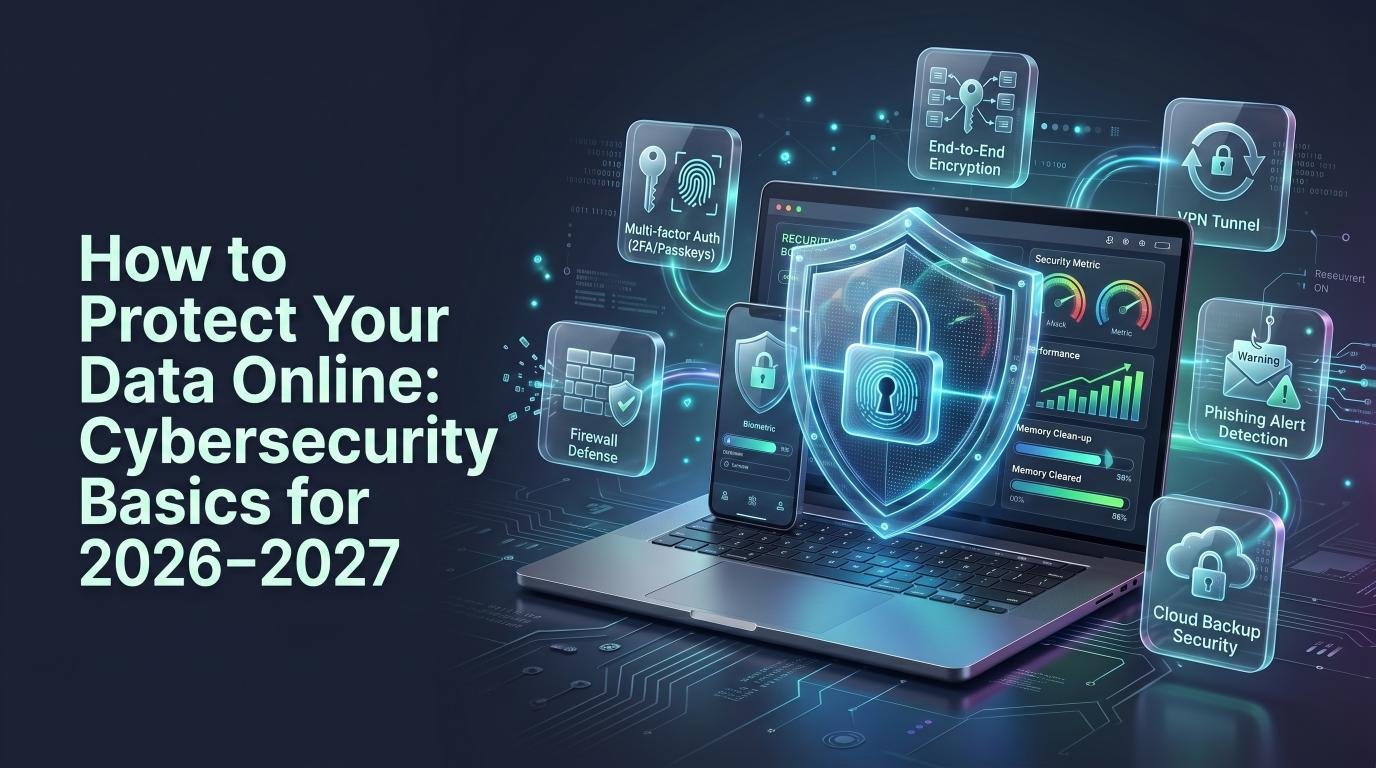
Introduction
As more of our lives move online — banking, shopping, work, and social connections — protecting your personal data has never been more important. Cybercriminals are constantly developing new tactics, but the good news is that most people can significantly reduce their risk by following a few essential cybersecurity practices.
This guide covers the fundamental steps everyone should take to protect their data online in 2026-2027.
1. Use Strong, Unique Passwords
Reusing the same password across multiple accounts is one of the biggest security risks. If one account is breached, attackers often try the same credentials on other sites.
- Use a different password for every important account
- Aim for at least 12-16 characters, mixing letters, numbers, and symbols
- Avoid obvious choices like birthdays, names, or common words
- Use a password manager (like Bitwarden or 1Password) to generate and store strong passwords securely
2. Enable Two-Factor Authentication (2FA)
Two-factor authentication adds a second layer of security beyond your password, typically requiring a code sent to your phone or generated by an authenticator app. Even if a hacker obtains your password, 2FA can prevent them from accessing your account.
Enable 2FA on all accounts that offer it, especially email, banking, and social media.
3. Be Cautious with Public Wi-Fi
Public Wi-Fi networks, like those in cafes or airports, are often unsecured, making it easier for attackers to intercept your data.
- Avoid accessing sensitive accounts (banking, email) on public Wi-Fi
- Use a VPN to encrypt your connection when on public networks
- Turn off automatic Wi-Fi connection settings on your devices
4. Recognize Phishing Attempts
Phishing emails and messages try to trick you into revealing personal information or clicking malicious links, often by impersonating trusted companies or contacts.
Warning signs of phishing include:
- Urgent language demanding immediate action
- Unexpected attachments or links from unfamiliar senders
- Slightly misspelled email addresses or domain names
- Requests for passwords, payment details, or personal information via email
When in doubt, contact the company directly through their official website rather than clicking links in the message.
5. Keep Software and Devices Updated
Software updates often include important security patches that fix known vulnerabilities. Delaying updates leaves your devices exposed to threats that have already been identified and could be exploited.
Enable automatic updates where possible for your operating system, browser, and apps.
6. Limit What You Share on Social Media
Oversharing personal details on social media can give attackers information used for identity theft or to answer security questions (like your pet’s name or hometown).
- Review your privacy settings regularly
- Avoid posting sensitive details like your address, travel plans, or full birthdate publicly
- Be cautious about accepting friend or connection requests from unfamiliar accounts
7. Use Encrypted and Secure Websites
When entering personal or payment information online, make sure the website uses HTTPS (indicated by a padlock icon in your browser’s address bar). This indicates the connection is encrypted, protecting your data from interception.
8. Back Up Your Data Regularly
In case of ransomware, hardware failure, or accidental deletion, having a backup ensures you don’t permanently lose important files.
- Use both cloud backup (Google Drive, iCloud, Dropbox) and a physical external drive for critical files
- Set up automatic backups so you don’t have to remember to do it manually
9. Monitor Your Accounts for Suspicious Activity
Regularly check your bank statements, email account activity, and login history for anything unfamiliar. Many services now offer built-in alerts for logins from new devices or locations — enable these where available.
10. Be Careful What You Download
Only download software, apps, and files from official, trusted sources. Pirated software and files from unofficial websites are common vehicles for malware distribution.
Final Thoughts
Protecting your data online doesn’t require advanced technical knowledge — it mostly comes down to consistent habits: strong unique passwords, two-factor authentication, cautious browsing, and keeping your software updated. Building these practices into your routine significantly reduces your risk of falling victim to cybercrime.
Frequently Asked Questions
What is the single most effective step to protect my online data?
Enabling two-factor authentication is widely considered one of the most effective single steps, as it blocks most unauthorized access attempts even if your password is compromised.
Are password managers safe to use?
Yes, reputable password managers use strong encryption to protect your stored passwords and are generally far safer than reusing weak passwords across multiple sites.
How often should I change my passwords?
Rather than changing passwords on a fixed schedule, focus on using strong, unique passwords for each account and changing them immediately if you suspect a breach.